
Husqvarna Viking Designer Ruby Sewing Machine User Manual
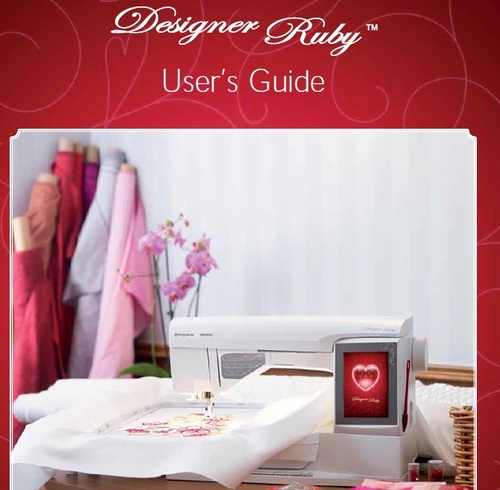

Instruction manual on how to use this sewing machine
TABLE OF CONTENTS
1 Getting to know your machine 1:5
MACHINE OVERVIEW 1:6
Rear Side ...........................................................................1:6
Needle Area ......................................................................1:6
Accessory Tray .................................................................1:7
Parts of the Embroidery Unit .......................................1:7
ACCESSORIES 1:7
Included Accessories ......................................................1:7
Hoops Included ...............................................................1:7
Accessories Included - Not in the Picture ..................1:8
Presser Feet ......................................................................1:8
STITCHES 1:10
2 Set Up 2:1
UNPACKING 2:2
Connect the Power Cord and Foot Control ...............2:2
Pack Away after Sewing .................................................2:2
FREE ARM 2:3
SPOOL PINS 2:3
Horizontal Position .........................................................2:3
Vertical Position ...............................................................2:3
Auxiliary Spool Pin .........................................................2:3
THREADING THE UPPER THREAD 2:4
Needle Threader ..............................................................2:4
Threading for Twin Needle ...........................................2:5
THREAD CUTTER 2:5
THREAD SENSOR 2:5
BOBBIN WINDING 2:6
Bobbin Winding Through the Needle .........................2:6
Bobbin Winding while Embroidering or Sewing .......2:7
INSERTING THE BOBBIN 2:7
CHANGING THE PRESSER FOOT 2:7
CHANGING THE NEEDLE 2:8
NEEDLES 2:8
THREADS 2:9
STABILIZERS 2:9
PICTOGRAM PEN 2:9
USB PORTS 2:10
USB embroidery stick ...................................................2:10
Connect to and Remove from the USB Port ............2:10
CONNECTING THE MACHINE TO YOUR COMPUTER 2:11
5D Embroidery Software ........................................2:11
Installing your Software ...............................................2:11
Install Hardware Drivers and
Connect the Embroidery Machine ...........................2:11
How to Launch the Programs .....................................2:12
Embroidery Machine Communication module ........2:12
How to Update your Machine .....................................2:12
3 Settings & Functions 3:1
INTERACTIVE COLOR TOUCH SCREEN 3:2
COMMON ICONS/FUNCTIONS 3:2
OK .....................................................................................3:2
Cancel ................................................................................3:2
Touch & Hold ..................................................................3:2
TOOLBAR 3:2
START MENU 3:2
SEWING/EMBROIDERY MODE 3:2
QUICK HELP 3:3
Keywords: husqvarna;viking;designer;ruby
File Size: 6.4 MBytes
| Embed: |
 Widgets for your homepage Widgets for your homepage
|
 husqvarna;viking;designer;ruby
282566794
14.95
maxxtor
Fresh Download
Available!
husqvarna;viking;designer;ruby
282566794
14.95
maxxtor
Fresh Download
Available!